The Art of Personalizing Your Android Experience: Unlocking Device Customization Mastery
In an era where smartphones are extensions of our identities, device customization has evolved from mere aesthetics to a powerful tool that shapes how we interact with technology. For Android users seeking control over their digital environment, mastering personalization techniques can transform a standard phone into a uniquely tailored experience.
This guide explores advanced strategies for customizing Android devices beyond stock interfaces, empowering you to create a personalized mobile ecosystem that reflects your lifestyle, productivity needs, and aesthetic preferences while maintaining system integrity and security.
Redefining Interface Design Through Custom Launchers
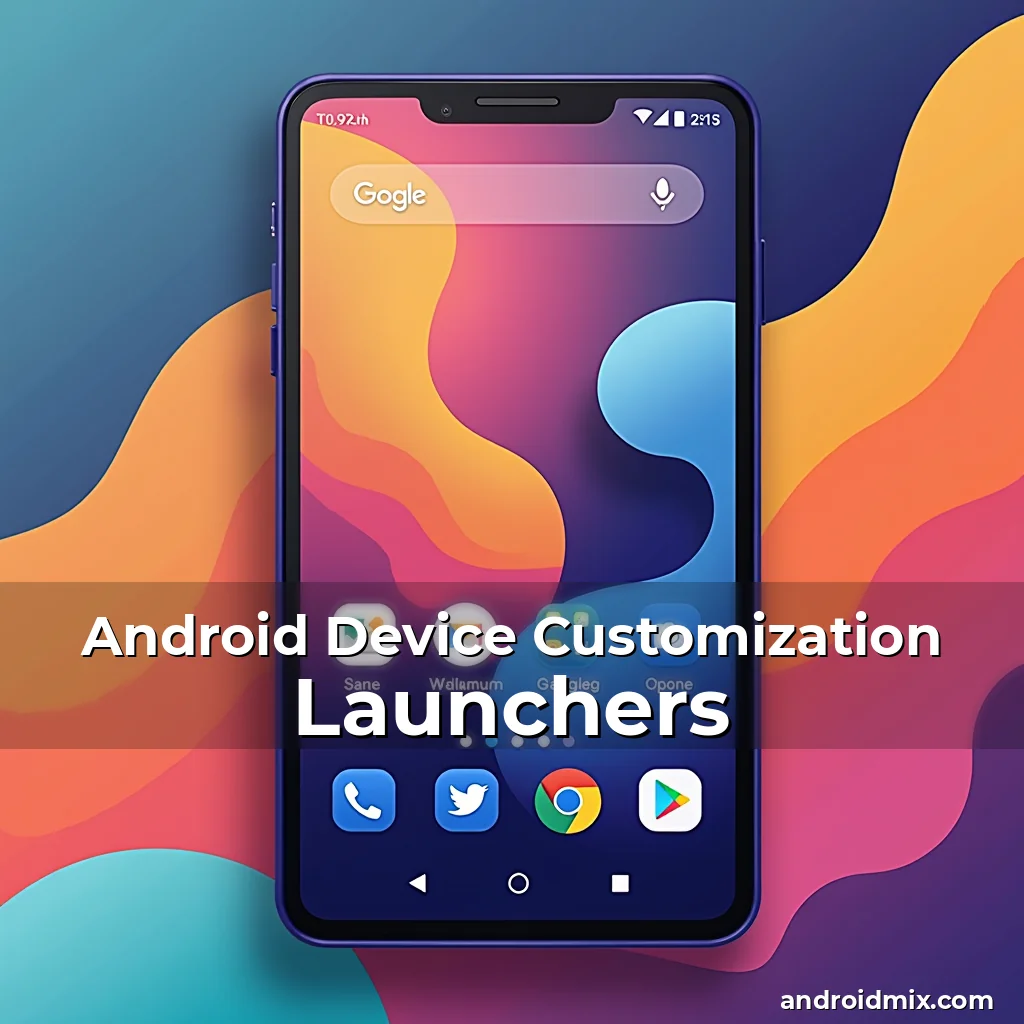
At the heart of any Android customization journey lies the launcher – the foundation upon which your entire interface is built. While Google’s default Pixel Launcher provides a clean baseline, countless third-party launchers offer unique features and design philosophies.
Custom launchers like Nova, Apex, or Action Launcher allow complete reimagining of app icons, gestures, and navigation systems. These tools enable users to replace the traditional home screen with dynamic widgets, customizable dock positions, or even fully transparent backgrounds depending on user preference.
Considerations:
- Aesthetic Flexibility: Choose from thousands of icon packs to match your preferred visual style, whether minimalist Scandinavian or vibrant futuristic themes.
- Functional Enhancements: Some launchers introduce innovative features like gesture-based app launching, enhanced folder management, or predictive shortcut suggestions based on usage patterns.
Mastering System UI Customizations
Beyond launchers, deeper system-level modifications open new possibilities for personalization. The Settings menu offers basic tweaks but advanced users often turn to developer options for greater flexibility.
Enabling Developer Options allows access to settings like window animation scale or transition animations, letting users fine-tune performance characteristics. More significantly, it unlocks the potential to modify status bars, quick settings toggles, and other core UI elements through custom ROMs or themed overlays.
Tip: Before making drastic changes, ensure you have full backups using adb backup or cloud services to preserve data in case of unexpected issues during experimentation.
Crafting Unique Visual Themes
Themes and color schemes play a crucial role in defining the overall look of your Android device. While many manufacturers provide limited theme options, numerous apps and methods exist to achieve more extensive personalization.
Using apps like Theme Engine by Samsung or Material You themer for AOSP devices lets users customize fonts, accent colors, and even animate transitions between different visual states. Some solutions integrate with Google’s Material You framework to automatically generate cohesive color palettes across all system components.
Advanced users might opt for XML-based theming using custom ROM development kits, allowing precise modification of every visual element down to individual pixels within the OS itself.
Revolutionizing App Experiences With Widgets & Shortcuts
Widgets represent one of the most underutilized yet powerful aspects of Android customization. They allow direct interaction with apps without opening them
Creative widget configurations can include weather forecasts, calendar views, music controls, or fitness trackers displayed prominently on your home screen. By arranging these strategically, users can build a personalized dashboard reflecting both functional priorities and visual appeal.
Tips for Effective Widget Usage:
- Size Optimization: Experiment with different widget sizes to balance information density with screen real estate constraints.
- Frequency Management: Adjust refresh rates where possible to prevent excessive battery drain from constantly updating widgets.
- Synchronization: Ensure all critical widgets remain synchronized across devices when using cross-device ecosystems like Google Family Link or Samsung DeX.
Elevating Productivity Through Gesture Control Systems
Gestures have become essential input mechanisms in modern Android customization. Beyond swipes and pinches, sophisticated gesture recognition systems now allow complex actions through simple motions.
Pioneering gesture apps like Gboard or third-party solutions such as TapTap Enable let users define custom gestures for tasks ranging from launching apps to sending pre-defined messages. This reduces dependency on physical buttons and accelerates workflows tailored to habitual behaviors.
Interesting Statistic: According to a 2023 study by MobileTech Insights, users who implement custom gesture systems report up to 38% faster task completion times compared to those relying solely on traditional navigation methods.
Enhancing Accessibility Features Through Custom Solutions
While Android includes robust accessibility options by default, true customization extends beyond these built-in features. Advanced users often seek additional tools to create deeply personalized experiences.
Crossy app launchers support voice command integration, eye-tracking applications, or alternative input methods suitable for diverse physical abilities. Custom automation platforms like Tasker or Automate allow setting up intricate profiles triggered by location, time, or sensor data inputs.
For visually impaired users, specialized tools like TalkBack combined with third-party magnification apps can be configured to meet exact spatial awareness requirements and reading preferences.
Securing Your Customized Environment
As you embrace greater levels of personalization, security considerations become paramount. Modifications can inadvertently expose vulnerabilities if not carefully managed. Establishing strong foundational security practices ensures safe exploration of customization options.
Create secure lock screen combinations that aren’t easily guessed, enabling biometric authentication when available. Regularly update your operating system and installed apps to protect against known exploits targeting modified environments.
Utilize encrypted storage solutions and remote wipe capabilities provided by manufacturers’ security suites. Always verify sources before installing untrusted apps or custom firmware versions.
Vulnerability Checklist:
- Unknown Sources: Disable installation from unknown sources unless absolutely necessary and always review permissions requested by new apps.
- Data Backup: Maintain regular backups to cloud services or external drives accessible via USB tethering or file transfer protocols.
- Firmware Integrity: Verify digital signatures of custom ROMs and recovery images before flashing them onto your device.
Leveraging Automation Tools for Seamless Integration
Automation tools represent one of the most transformative aspects of Android customization. When properly implemented, they eliminate repetitive tasks and streamline daily operations through intelligent conditional triggers.
Apps like IFTTT (If This Then That) connect various online services to automate actions based on predefined criteria. Whether it’s adjusting smart home devices when arriving at work or automatically backing up photos to cloud storage, these tools enhance efficiency dramatically.
More advanced platforms like Tasker offer unparalleled flexibility through task chaining, variable tracking, and profile switching capabilities. Users can set up complex routines triggered by Bluetooth connections, GPS locations, or even specific times of day.
Creating Cross-Device Synchronization Ecosystems
In today’s multi-device world, effective customization requires seamless synchronization across phones, tablets, laptops, and wearable gadgets. Modern Android implementations facilitate this interoperability through unified account systems and cloud services.
By synchronizing contacts, calendars, and files across devices, users maintain consistency in their digital life regardless of platform used. Cloud-based notes and document storage solutions allow effortless editing across different form factors while preserving version history and collaboration features.
Smartwatch integration further enhances this ecosystem by providing glanceable notifications and voice-assisted commands that complement desktop or laptop interactions seamlessly. Ensuring consistent theming across devices creates a harmonious visual identity throughout one’s tech portfolio.
Exploring Hardware-Level Customization Possibilities
For the most adventurous users, hardware modifications expand customization boundaries far beyond software limitations. Rooted devices grant access to low-level system functions previously restricted by manufacturer locks.
Note: Only proceed with hardware modifications after thoroughly researching your specific device model and understanding warranty implications. Permanent damage could result from improper execution of certain procedures.
Options range from modifying LED lighting effects around notification areas to replacing standard capacitive buttons with tactile alternatives suited to particular grip styles or preferences. External docks and accessories also contribute significantly towards achieving desired ergonomic setups.
Building Communities Around Shared Customization Passions
The growing interest in Android customization has fostered vibrant online communities dedicated to sharing knowledge and creative ideas. Engaging with these groups provides invaluable resources and inspiration for pushing the limits of personalization.
Platforms like XDA Developers host active forums where developers and enthusiasts discuss everything from kernel modifications to graphical enhancements. Social media channels focused specifically on Android customization regularly feature tutorials, showcases, and collaborative projects.
Attending local meetups or virtual conferences centered on mobile technology can lead to meaningful connections with fellow customization aficionados. These exchanges often reveal lesser-known tips and tricks that elevate the overall customization experience.
Measuring Success in Customization Efforts
Effective customization isn’t measured merely by visual alterations but by how well it aligns with individual workflows and comfort zones. Monitoring usability metrics helps identify successful integrations versus potential distractions introduced by overcustomization.
User feedback through diary studies or periodic reviews enables refinement of custom configurations over time. Tracking key performance indicators like application switch speed or battery longevity post-modifications aids in assessing trade-offs made during customization decisions.
Continuous learning remains vital as Android evolves rapidly with each major release cycle. Staying updated on emerging technologies ensures ongoing relevance of current customizations while keeping room for future improvements.
Pro Tip: Keep detailed logs documenting changes made to your setup, including dates, reasons behind modifications, and observed outcomes – this historical record proves invaluable when troubleshooting later.
Conclusion
Mastery of Android device customization transforms your smartphone into a truly personalized extension of yourself rather than just another piece of consumer electronics.
Whether focusing on aesthetic refinements or developing complex automated systems, the right approach balances creativity with practicality to ensure long-term satisfaction with your customized environment. Continued exploration and adaptation will keep your Android experience evolving alongside your changing needs and technological advancements.