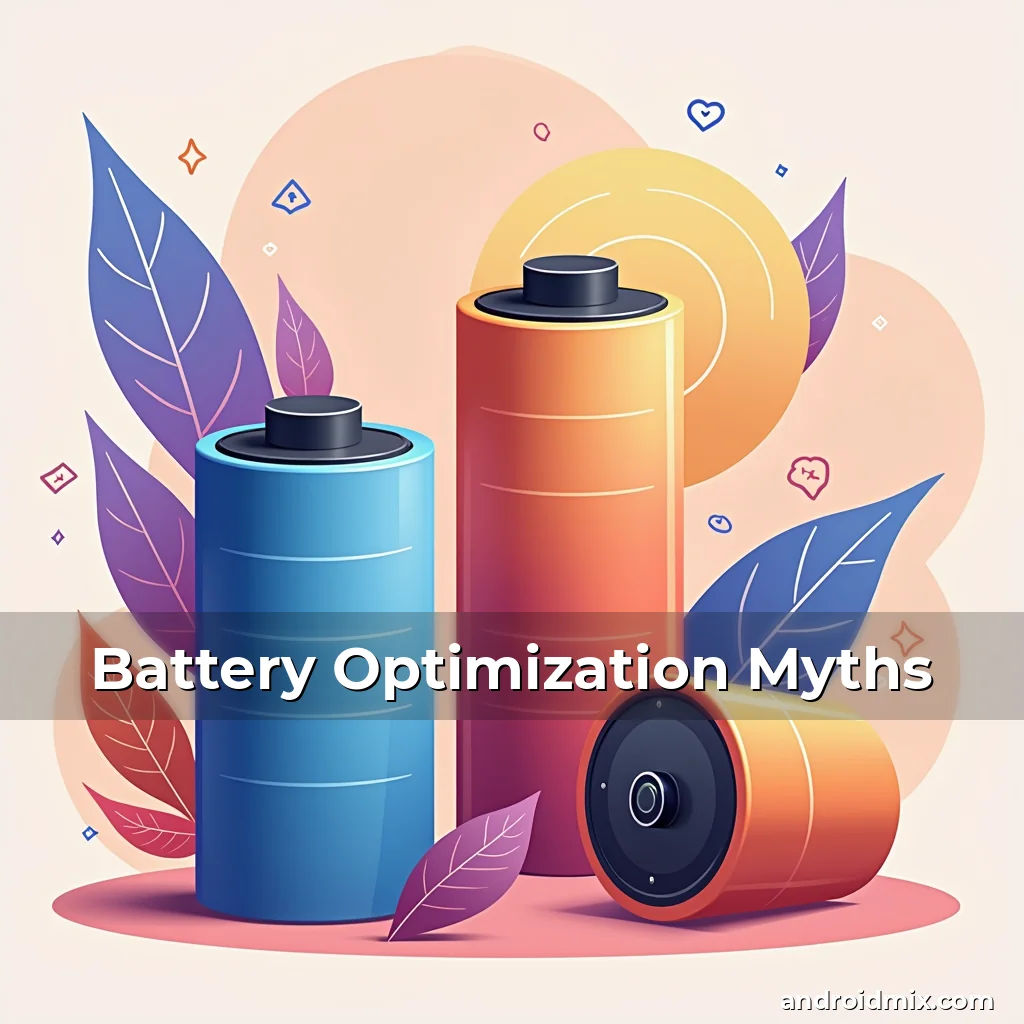
Battery Optimization Myths Debunked: Unveiling Hidden Secrets for Longer Lasting Power
In our hyper-connected world, smartphones have become indispensable companions, constantly demanding attention through notifications, apps, and multimedia. Yet, few experiences rival the frustration of a dying battery at an inconvenient moment. While manufacturers continue refining hardware efficiency, true mastery of battery life lies in understanding—and dismantling—common misconceptions.
Android users face a labyrinth of conflicting advice, ranging from “close unused apps” to “never charge your phone overnight.” Many of these claims stem from outdated knowledge or oversimplified logic. By cutting through the noise, we uncover powerful strategies grounded in science, enabling users to unlock untapped reserves of battery life without compromising functionality.
Understanding Battery Drain Factors
To optimize effectively, it’s essential to identify the primary culprits behind rapid discharge. Screen brightness remains the single largest consumer of power, devouring nearly 60% of total battery capacity according to industry benchmarks. A vibrant display may enhance visual appeal, but its toll on longevity is undeniable.
Background processes also play a critical role. From automatic updates to location tracking, apps running in the shadows consume resources relentlessly. Even “inactive” apps engage in periodic checks for messages or social media interactions, perpetuating unnecessary drain.
- Sensor Usage: GPS, Bluetooth, and motion sensors activate frequently during tasks like navigation or fitness tracking, accelerating depletion.
- Poor Network Conditions: Struggling cellular connections force the device to expend additional effort searching for signals, compounding battery loss.
Common Misconceptions About Battery Life
One pervasive myth holds that turning off Wi-Fi and Bluetooth significantly extends battery life. In reality, modern Android systems operate these radios efficiently, consuming minimal power when idle. Disabling them unnecessarily introduces friction without meaningful gains.
Another fallacy involves high-end devices inherently outperforming budget models. While premium handsets feature advanced processors and larger batteries, software optimization plays a far greater role. Poorly coded apps can cripple any device’s endurance, regardless of price point.
The Truth Behind ‘Fast Charging’ Claims
Vendors tout fast-charging capabilities as a panacea for low battery anxiety. However, frequent use of ultra-fast chargers may accelerate battery degradation due to increased heat generation. Studies show lithium-ion cells degrade 20–30% faster under constant fast-charging cycles compared to standard methods.
A balanced approach favors moderate charging speeds paired with quality accessories. Wireless charging, though convenient, generally operates less efficiently than wired solutions, adding another layer to consider in daily routines.
Power-Saving Features in Modern Smartphones
Manufacturers embed sophisticated tools designed to preserve battery life. Adaptive brightness adjusts dynamically based on ambient light conditions, reducing strain on the display. Similarly, intelligent CPU throttling prioritizes performance during intensive tasks before scaling back automatically.
Do Not Disturb modes provide dual benefits: minimizing interruptions while conserving energy from persistent alert vibrations and screen illumination. Pairing these functions with scheduled shutdown periods offers a strategic edge against unexpected drains.
Leveraging Low-Power Modes Effectively
Low-power modes restrict non-essential functionalities like animations and background syncs. These limitations apply globally unless manually configured exceptions exist for critical apps. Users should assess which services truly require uninterrupted access.
Some devices allow granular control within low-power settings. Enabling selective restrictions on apps like weather or news feed updates prevents unnecessary background refreshes while preserving core communication channels.
Advanced Settings for Battery Efficiency
Diving into Developer Options reveals hidden levers for customization. Adjusting animation scales reduces graphical processing demands, potentially extending battery duration by 10–15%. Reducing window animation scale and transition durations yields similar results with minimal usability impact.
Location accuracy preferences present another opportunity. Balancing between high precision and battery conservation becomes possible by switching to network-based positioning instead of GPS whenever feasible. Most apps tolerate reduced accuracy without noticeable disruption.
Tweaking Background Restrictions
Modern Android versions permit fine-grained control over background activities. Navigating to Battery > Battery Saver Settings allows setting limits on specific apps’ ability to run in the background. Prioritize restricting data-heavy apps like streaming services or messaging platforms.
Caution applies here: some apps rely heavily on background operations. Before imposing restrictions, verify whether disabling them impacts desired functionality. Critical utilities like payment processors or calendar syncs typically require unrestricted access.
The Role of Charging Habits on Longevity
Charging behavior profoundly influences battery lifespan. Frequent full discharges followed by complete recharging impose stress on lithium-ion chemistry. Instead, partial charges (keeping levels above 20%) maintain healthier cell integrity over extended periods.
Temperature regulation matters immensely. Charging near heaters or in direct sunlight causes thermal runaway, drastically diminishing cycle life. Always use certified chargers and avoid leaving devices plugged in after reaching 80–90% charge.
Utilizing Optimized Charging Patterns
Newer Android variants include smart charging algorithms delaying full capacity until needed. For example, scheduling overnight charging ensures batteries reach optimal levels just before morning commutes, preventing prolonged peak states.
Users should configure these patterns based on routine schedules. Evening charging sessions followed by daytime use align best with most lifestyles, maximizing the effectiveness of these protective measures.
Optimizing Third-Party Apps for Better Performance
Many third-party applications harbor inefficient coding practices contributing disproportionately to battery drain. Reviewing permission requests identifies suspicious access to sensors, location, or connectivity features that may persist longer than necessary.
Regularly auditing installed apps via Settings > Battery provides insight into resource hogs. Replacing poorly optimized software with lighter alternatives often resolves excessive drain issues without sacrificing essential features.
Managing App-Specific Battery Consumption
Individual app settings offer targeted controls. Within each application, disable push notifications unless absolutely necessary. Limiting auto-refresh intervals for feeds or email clients minimizes wakeups disrupting sleep states.
Cloud syncing represents another area requiring scrutiny. Configuring sync frequency to occur only during active hours avoids unintentional background data transfers occurring when devices are parked and unattended.
Hardware vs Software Optimization Strategies
While hardware improvements contribute incrementally, software enhancements yield exponentially greater returns. Operating system-level optimizations reduce overhead associated with multitasking, app launches, and memory management, collectively trimming hundreds of milliampere-hours daily.
Firmware updates routinely address inefficiencies introduced in earlier builds. Keeping OS versions current ensures utilization of latest power-saving algorithms developed by Google and chipset vendors alike. Neglecting updates risks operating with outdated methodologies detrimental to endurance.
Cross-Device Coordination Benefits
Bluetooth pairing enables seamless interaction between gadgets, but poor implementation can lead to perpetual scanning attempts draining both connected devices. Carefully selecting bonded devices prevents wasteful energy expenditure on irrelevant peripherals.
Smart home ecosystems represent another frontier. Integrating lights, thermostats, and other IoT devices via centralized hubs eliminates redundant polling mechanisms, streamlining overall household power distribution intelligently.
Future Trends in Battery Technology
Ongoing research promises transformative advances in next-generation batteries. Solid-state designs eliminate flammable electrolytes used currently, offering enhanced safety profiles alongside improved energy density metrics exceeding conventional Li-ion standards.
Wireless power transfer innovations move beyond basic Qi implementations toward resonant coupling technologies allowing simultaneous multi-device charging without physical contact. Such developments could redefine convenience paradigms entirely once commercialization progresses sufficiently.
Conclusion
Mastery over smartphone battery life hinges upon dispelling misinformation and embracing scientifically validated techniques. Through deliberate adjustments to settings, mindful app selection, and informed charging habits, users gain unprecedented control over device endurance.
Rather than relying solely on manufacturer warranties or default configurations, proactive engagement with available tools empowers individuals to tailor experiences uniquely suited to personal workflows. Regular evaluations of implemented strategies guarantee sustained progress toward consistently robust battery performance.