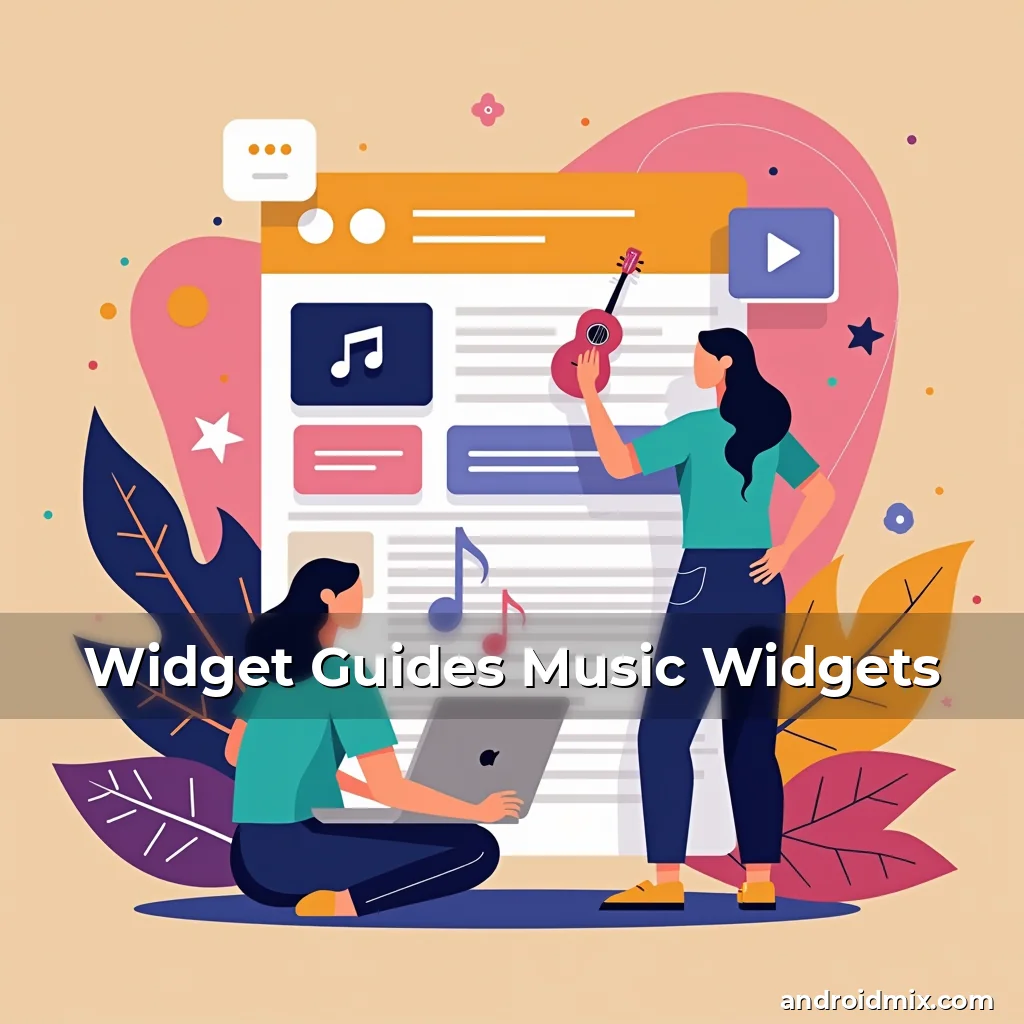
Widget Guides Music Widgets
The world of Android widgets has evolved dramatically over recent years, offering users an innovative way to interact with their devices without ever launching an app. From simple clock displays to complex music controllers, widgets have become essential tools that enhance productivity and convenience.
Musicians, podcast enthusiasts, and casual listeners alike are finding new ways to integrate music control right into their home screens through specialized music widget apps. These digital companions allow seamless management of audio playback while keeping your device’s interface clean and organized.
Understanding the Evolution of Android Widgets
Android widgets first appeared in early versions of the operating system as basic informational displays. Developers could create small applications that showed weather forecasts, calendar events, or news headlines directly on the home screen.
With each major OS update, Google expanded widget capabilities significantly. The introduction of dynamic widgets allowed for real-time updates without requiring full app launches. This innovation transformed how users accessed information instantly from their home screens.
Today’s advanced widgets can perform complex functions like controlling smart home devices, managing fitness goals, or even playing music tracks. They’ve moved beyond passive display purposes to active interaction tools that respond to user inputs.
- Early widgets: Limited functionality focused mainly on displaying static information
- Modern widgets: Interactive elements capable of executing commands and providing live data
- Futuristic potential: Integration with AI assistants for voice-controlled interactions
Different Types of Music Widgets Available Today
The market now offers various types of music widgets catering to different listening preferences and technical requirements. Some popular categories include streaming service-specific widgets, universal media controls, and smart playlist managers.
Streaming platform widgets provide direct access to features like queue management, song skipping, and playlist creation within the respective services’ ecosystems. Spotify, YouTube Music, and Apple Music all offer dedicated widget experiences tailored to their platforms.
Universal media widgets function across multiple music sources by leveraging standard Android APIs. These versatile options let you control any compatible player currently running on your device regardless of its origin.
Smart playlist widgets take personalization further by using machine learning algorithms to suggest songs based on time of day, location, or past behavior patterns. They adapt dynamically to individual tastes rather than following fixed playlists.
How to Choose the Right Music Widget for Your Needs
Selecting the perfect music widget involves considering several factors including your preferred music consumption habits, device compatibility, and design preferences. Let’s explore these considerations in depth.
Your primary usage scenario determines which type of widget will be most beneficial. Casual listeners might prefer minimalist designs that show only play/pause buttons and track names, while audiophiles may want more granular controls like volume adjustment sliders or equalizer settings.
Device specifications also matter when choosing a music widget. Older Android versions have limited support for larger widgets, so checking minimum system requirements is crucial before installation. Additionally, high-resolution screens benefit from widgets with better visual quality and spacing between interactive elements.
Design aesthetics play a significant role too. Some users appreciate highly customizable interfaces where they can change colors, fonts, and layouts according to personal taste, while others prioritize simplicity and ease-of-use above all else.
Compatibility with existing apps is another key consideration factor. Ensure that whatever widget you choose works seamlessly with your current music players and doesn’t interfere with other home screen components or gestures you rely upon daily.
Setting Up Music Widgets on Your Android Device
Configuring music widgets requires navigating through your Android device’s settings menu but varies slightly depending on manufacturer customizations. Here’s a general overview of common setup procedures.
Start by accessing your phone’s Settings application and locating either ‘Widgets’ or ‘Home Screen & Wallpaper’ settings. Tap on this option to view available widgets categorized by functionality type.
Once inside the widget selection area, find the music-related category and long press on any desired widget until it enters edit mode. You’ll see a preview window showing what size and appearance the selected widget would occupy on your home screen.
If satisfied with the preview, drag-and-drop it onto an empty space on your home screen surface. A configuration panel usually appears allowing customization of display options such as default skin themes, font sizes, and visibility settings.
Some widgets require additional permissions during initial setup, particularly those needing internet connectivity or microphone access for voice commands. Always review requested permissions carefully before granting them.
Customizing Your Music Widget Experience
Most modern music widgets come equipped with extensive customization features that let you tailor every aspect of the interface according to personal preference. Let’s look at some common customization options available today.
Color schemes often represent one of the easiest ways to personalize widgets visually. Many apps provide predefined color palettes ranging from dark mode variants to vibrant neon themes suitable for night driving scenarios.
Layout configurations determine how much information gets displayed simultaneously versus sequentially. Compact views show minimalistic representations ideal for quick glances, whereas extended layouts reveal more detailed metadata about currently playing tracks.
Interactive element placement allows rearrangement of button positions relative to one another. This feature proves especially useful for left-handed individuals who prefer having controls positioned differently compared to typical right-hand orientation defaults.
Notification settings govern whether or not alerts appear when certain actions occur – such as when a new track starts playing or if battery levels drop below safe thresholds. Adjust these notifications accordingly based on priority importance levels assigned personally.
Advanced Features Found in Premium Music Widgets
Premium-tier music widgets often contain exclusive functionalities designed specifically for power users seeking greater control over their listening experience. These enhanced features typically require paid subscriptions but justify costs through increased usability benefits.
One notable advancement includes multi-device synchronization capabilities enabling consistent playback states across smartphones, tablets, laptops, and smart speakers connected via Bluetooth or Wi-Fi networks.
Intelligent suggestion engines powered by artificial intelligence analyze listening history patterns to recommend similar artists, albums, or genres worth exploring next. Such recommendations evolve continuously alongside changing musical interests overtime.
Voice command integration lets users issue verbal instructions instead of manually tapping buttons whenever hands-free operation becomes necessary – particularly handy during workouts or cooking sessions where physical contact isn’t always feasible.
Scheduled playlist automation creates recurring routines that automatically activate particular playlists at designated times throughout day cycles – morning commute mixes, afternoon study anthologies, evening relaxation sets etcetera.
Troubleshooting Common Issues With Music Widgets
Despite careful setup processes, occasional problems arise related to widget performance issues affecting overall usability effectiveness. Understanding typical troubleshooting steps helps resolve these matters efficiently without professional assistance required.
One frequent issue occurs when widgets fail to refresh properly leading to outdated information being shown repeatedly despite actual changes occurring elsewhere. Restarting both affected application(s) along with clearing cache memory often fixes temporary glitches causing stale data persistence.
Incompatibility conflicts sometimes emerge due to software version mismatches between installed widgets versus core operating systems they depend upon functioning correctly. Updating all relevant programs ensures optimal compatibility conditions remain maintained consistently.
Permission errors frequently manifest themselves through error messages warning against missing authorization rights preventing access to essential resources like storage locations containing media files. Granting appropriate permissions resolves these barriers effectively restoring normal operations flow.
Occasionally, widgets behave unpredictably after major OS upgrades because updated frameworks introduce altered behaviors impacting legacy implementations previously working flawlessly prior modifications occurred. Reinstalling latest supported editions addresses backward compatibility concerns arising post-updates completed successfully.
Beyond Audio Control: Exploring Additional Capabilities
While primary purpose revolves around managing sound playback activities, many contemporary music widgets extend functionality beyond mere audio regulation domains opening up novel opportunities enhancing multifaceted smartphone utility aspects.
Integrated lyric viewers enable simultaneous reading of song lyrics appearing synchronized precisely with ongoing playback sequences improving comprehension abilities regarding unfamiliar compositions encountered unexpectedly.
Live event tracking features monitor concerts, festivals, or special performances happening nearby allowing instant ticket purchasing possibilities straight from home screen interfaces eliminating need for separate event discovery applications altogether.
Music library organizers assist categorizing vast collections stored locally or streamed remotely making navigation easier among thousands potentially contained within personal repositories accessible anytime anywhere convenient.
Smart home integration links audio systems residing throughout living spaces permitting centralized management tasks covering lighting adjustments, temperature regulation, security monitoring alongside entertainment provisioning cohesively orchestrated together harmoniously.
Future Trends Shaping Next Generation Music Widgets
As technological advancements continue progressing rapidly forward, future developments promise exciting transformations poised to redefine expectations surrounding music widget capabilities significantly expanding horizons regarding possible innovations achievable soon enough.
Augmented reality overlays may eventually project holographic displays presenting artist visuals, concert footage, or album art directly into physical environments creating immersive experiences blending virtual elements seamlessly integrated within tangible realities experienced firsthand.
Neural network enhancements will refine recommendation accuracy predicting emerging trends identifying undiscovered talent matching evolving listener profiles adapting continuously ensuring perpetual relevance maintained effortlessly perpetually.
Haptic feedback mechanisms incorporating vibration sensations simulate tactile responses mimicking physical object manipulations enriching sensory engagement levels intensifying emotional connections formed naturally between audiences consuming mediated content electronically transmitted digitally.
Cross-platform consistency efforts aim achieving uniformity across diverse computing devices guaranteeing identical interface appearances irrespective hardware differences encountered globally reducing adaptation challenges faced transitioning between distinct form factors regularly utilized commonly nowadays.
Conclusion
Music widgets have revolutionized how Android users engage with their favorite tunes, transforming simple audio playback into an interactive experience seamlessly integrated within daily life routines.
By understanding different widget types, customization options, and advanced features available today, users can elevate their mobile music enjoyment to unprecedented heights personalized exactly according to individual needs and lifestyle requirements.